MOONEYES Official Website
NEW ICON SEARCH for PC
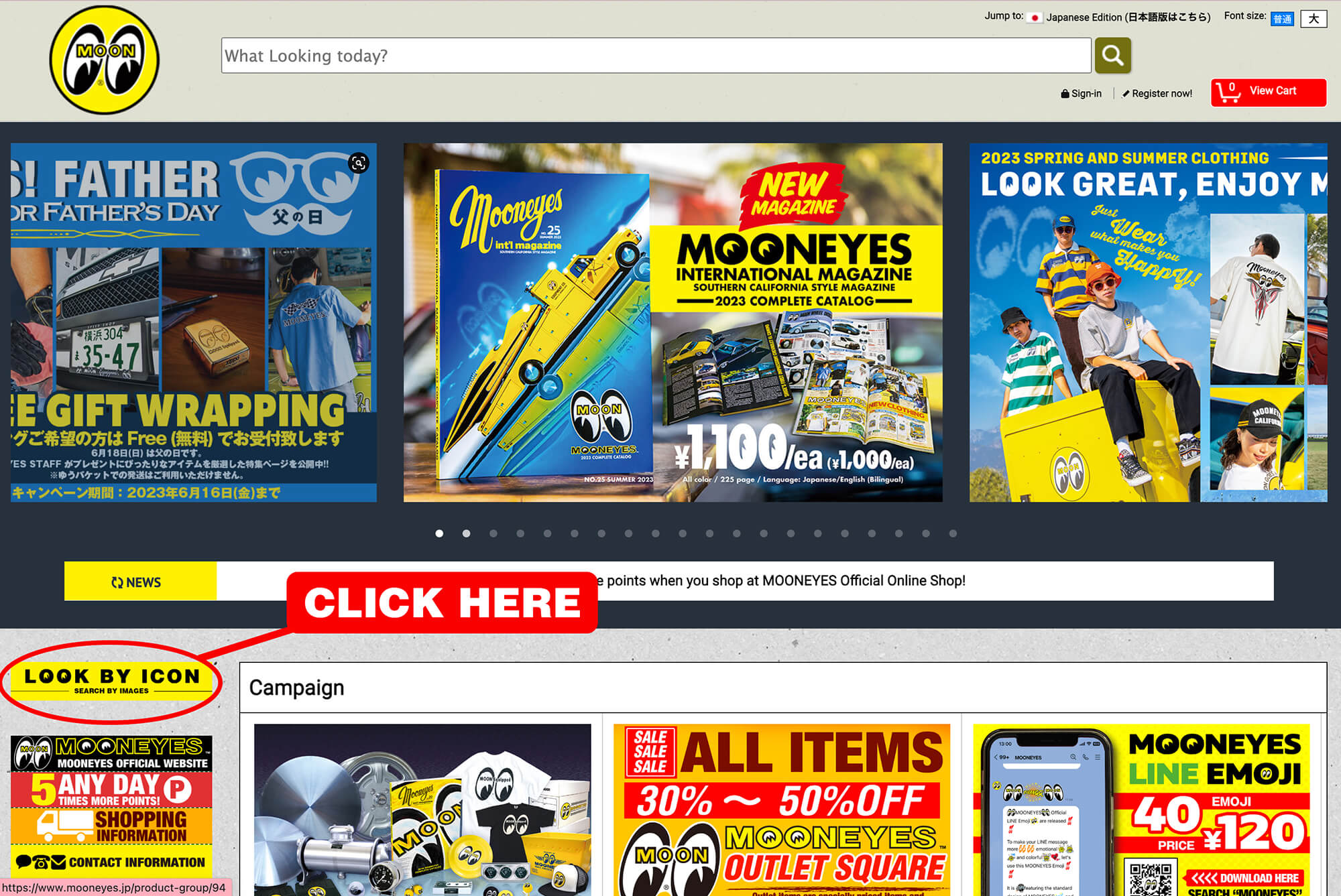
At the MOONEYES Official Online Shop, new icon search has been launched!!
You can now search what you are looking for by images.
Click the [LOOK BY ICON] button on the left, and you will find images sorted by categories. Select the icon you are interested and enjoy browsing for your items at MOONEYES!
This visual feature will greatly assist you in finding the things you want.
You can now search what you are looking for by images.
Click the [LOOK BY ICON] button on the left, and you will find images sorted by categories. Select the icon you are interested and enjoy browsing for your items at MOONEYES!
This visual feature will greatly assist you in finding the things you want.
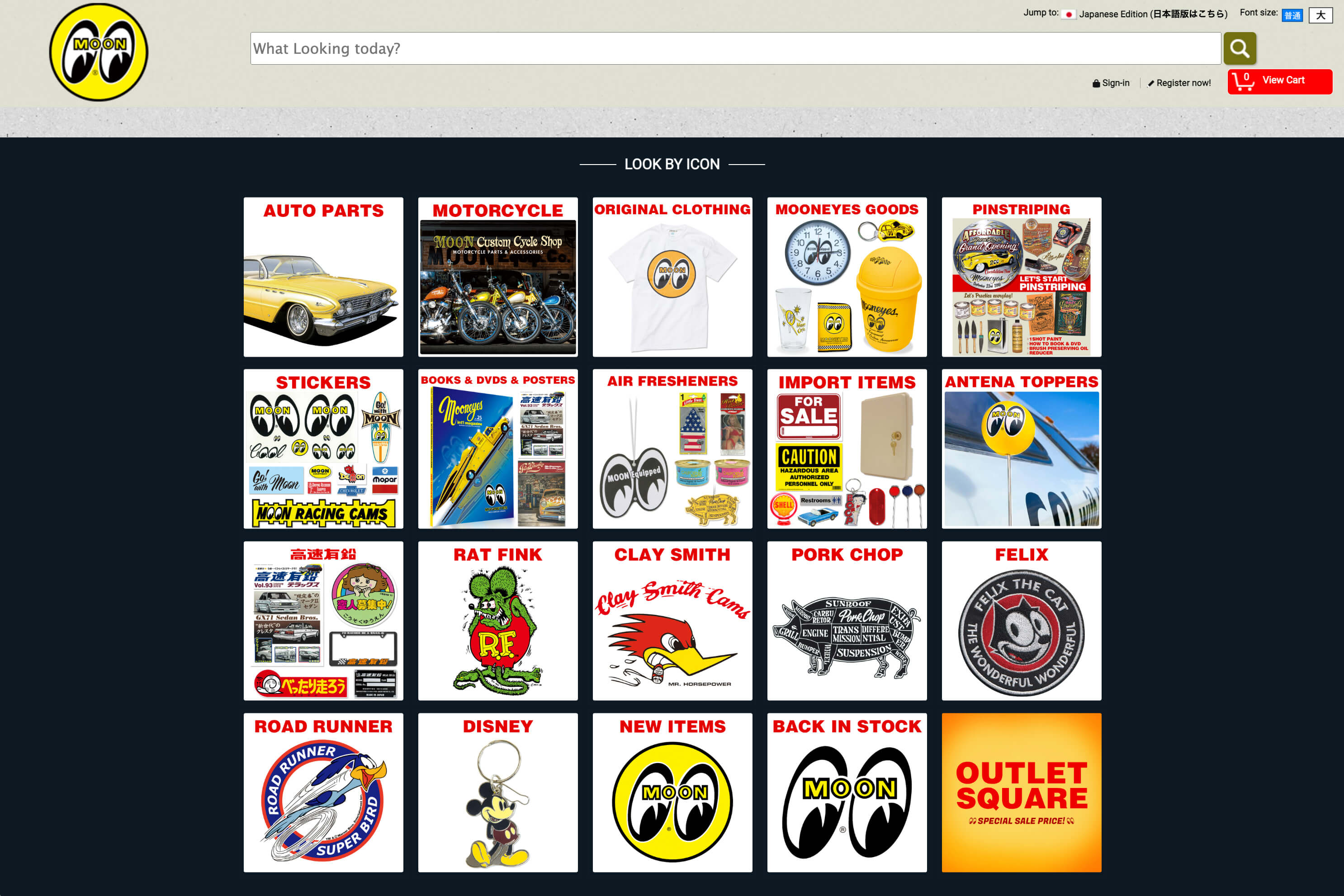
LOOK BY ICON for PC


MOONEYES Official Online Shop Smartphone Site
New Icon Search
At Smartphone version MOONEYES Official Online Shop, Icon Search is launched!!
You can now search the product visually!
Tap the Eyeshape on the right corner, and you can easily search for what you want, or scroll down to the bottom and tap LQQK BY ICON.
※You can also use the regular search bar, and hamburger button.
LOOK BY ICON for Smartphones
You can now search the product visually!
Tap the Eyeshape on the right corner, and you can easily search for what you want, or scroll down to the bottom and tap LQQK BY ICON.
※You can also use the regular search bar, and hamburger button.